The bill-splitting app for dinners with friends
Who pays what?
Sorted in seconds.
Enter the bill or each item, tap who had what – Checksplit adds tax and tip in proportion and tells everyone exactly what they owe. Not a cent lost, not a cent too many.


- Free to use
- No account
- Bills stay on your phone
Coming soon to Google Play.
Coming soon to the App Store.
Even or by item
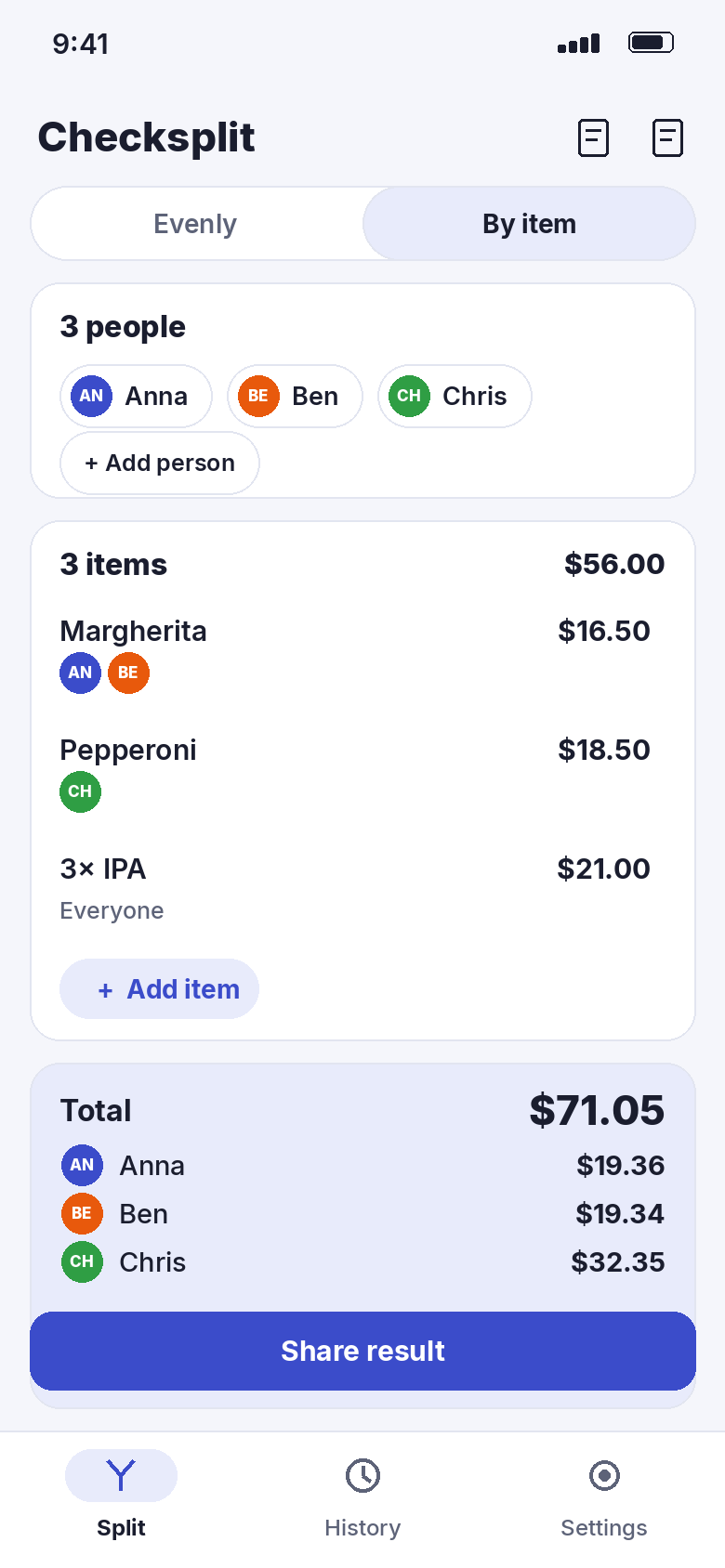
Split evenly – or exactly.
Everyone had about the same? Enter the amount and you’re done. Different orders? Add the items and tap who shared each one.
Shared pizza for two, drinks for everyone, a coupon off one person’s meal – each item can be split between any group of people, and discounts are entered with a minus.
Tax & tip
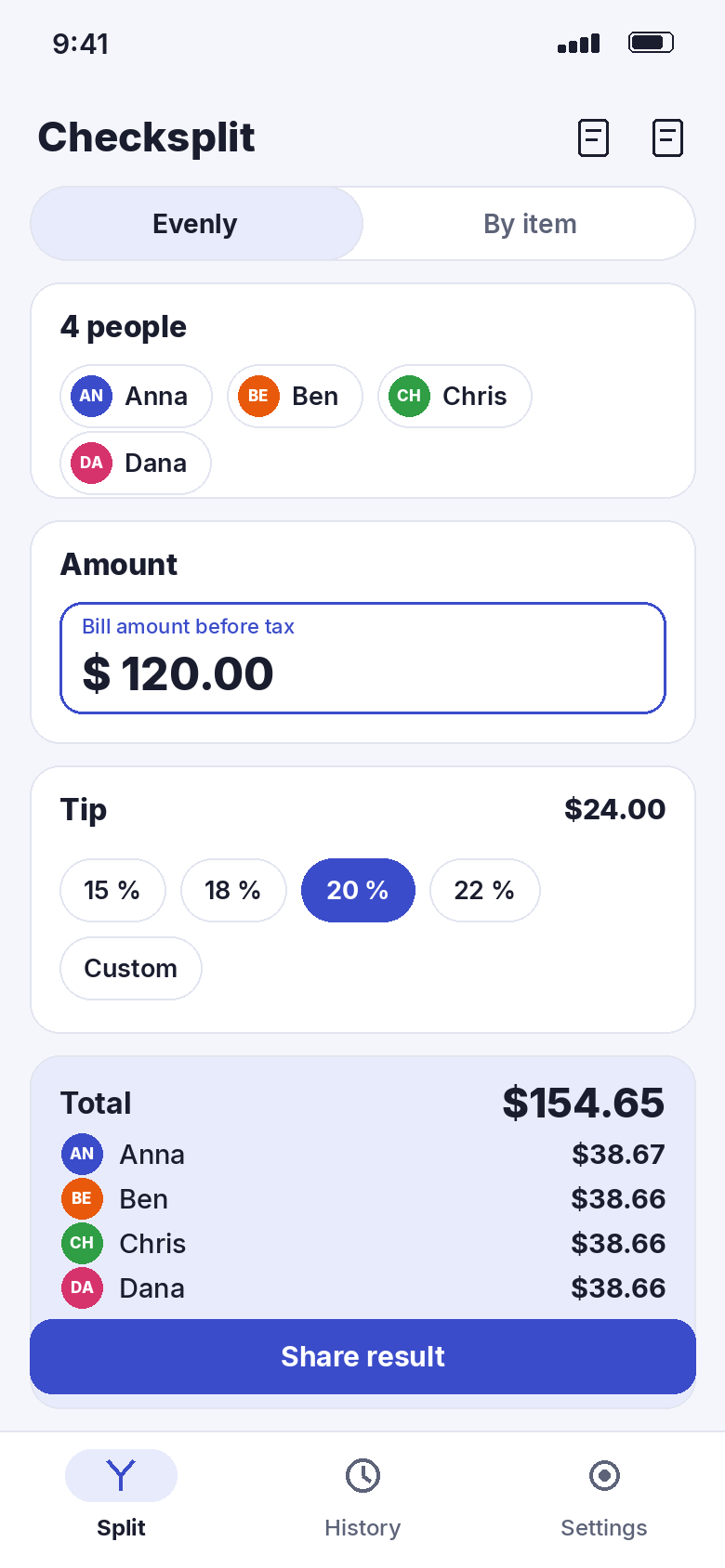
Tip like a local.
Checksplit suggests the usual tip for 17 countries – 15–20 % in the US, rounding up in Germany, usually nothing in Japan. In the US and Canada, sales tax is added on top.
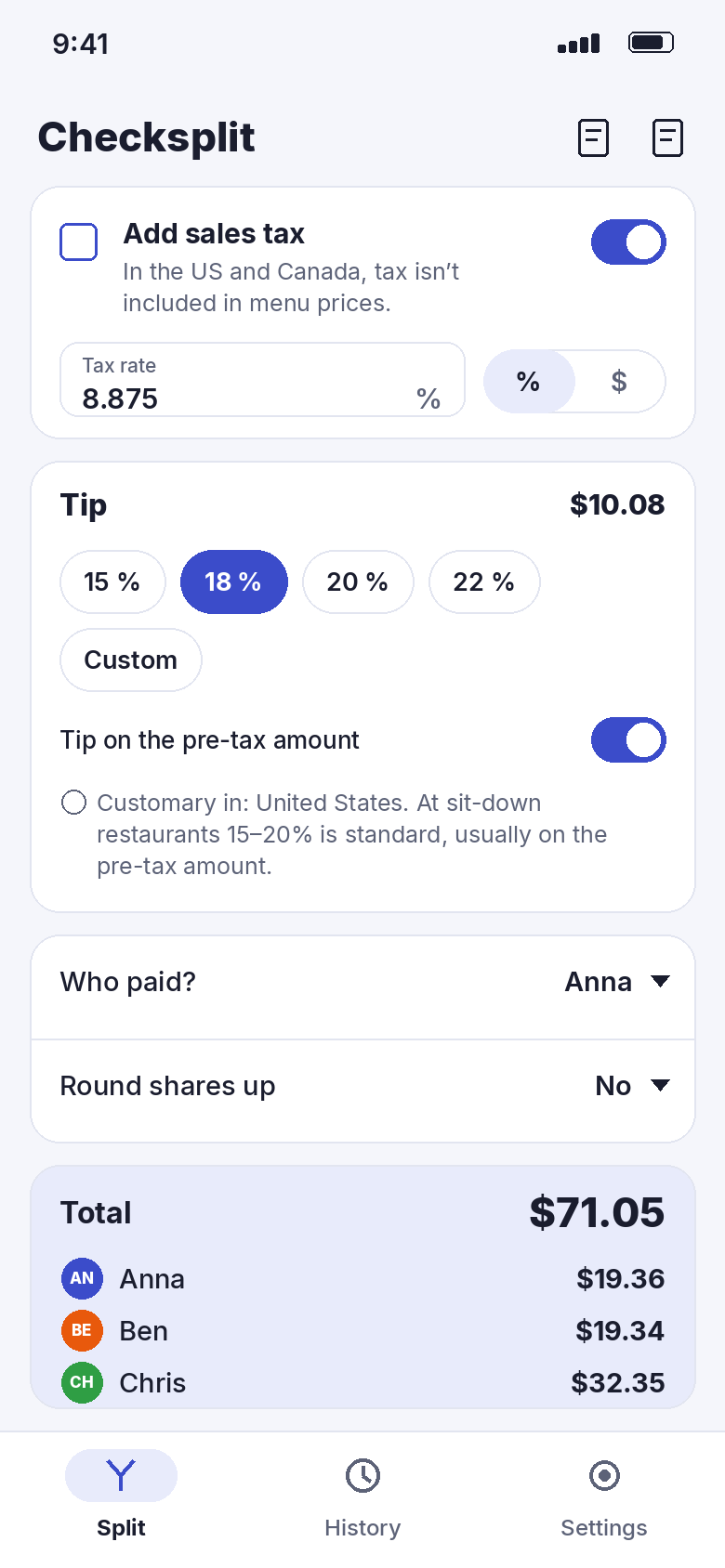
Tax and tip are shared in proportion to what each person ordered. Tip on the pre-tax amount or after tax, as a percentage or a fixed amount – your call.
One person pays.
Nobody wants to do the maths.
Checksplit does it for you – down to the last cent, with remainders spread fairly instead of always landing on the same person.
Share the result
Send it to the group chat.
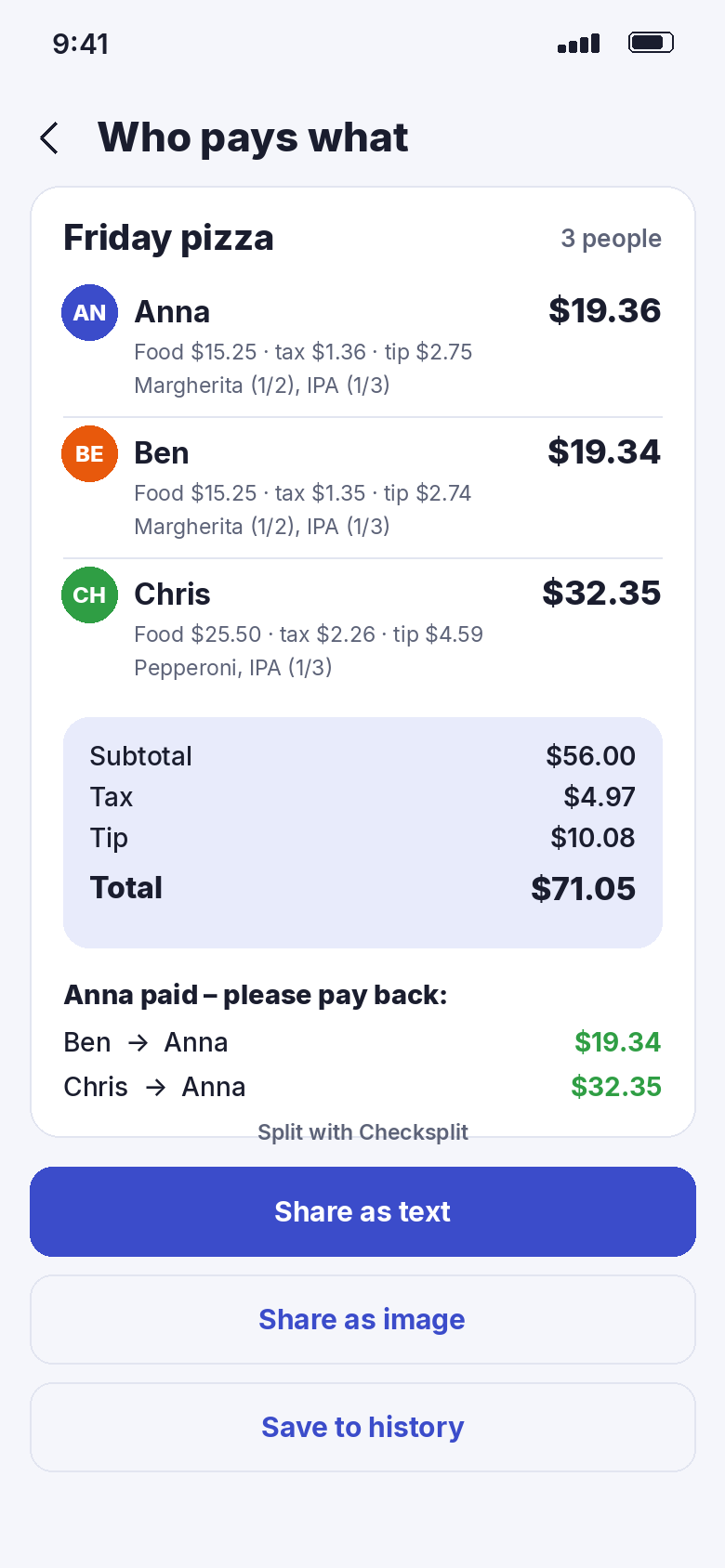
One tap shares the result as text or as a tidy image: each person’s total, what it’s made of, and who pays back whom.
Pick who paid the bill and Checksplit lists the paybacks. Round shares up to whole amounts if you like – the extra counts as tip.
Receipt scan · Pro
Photo in, items out.
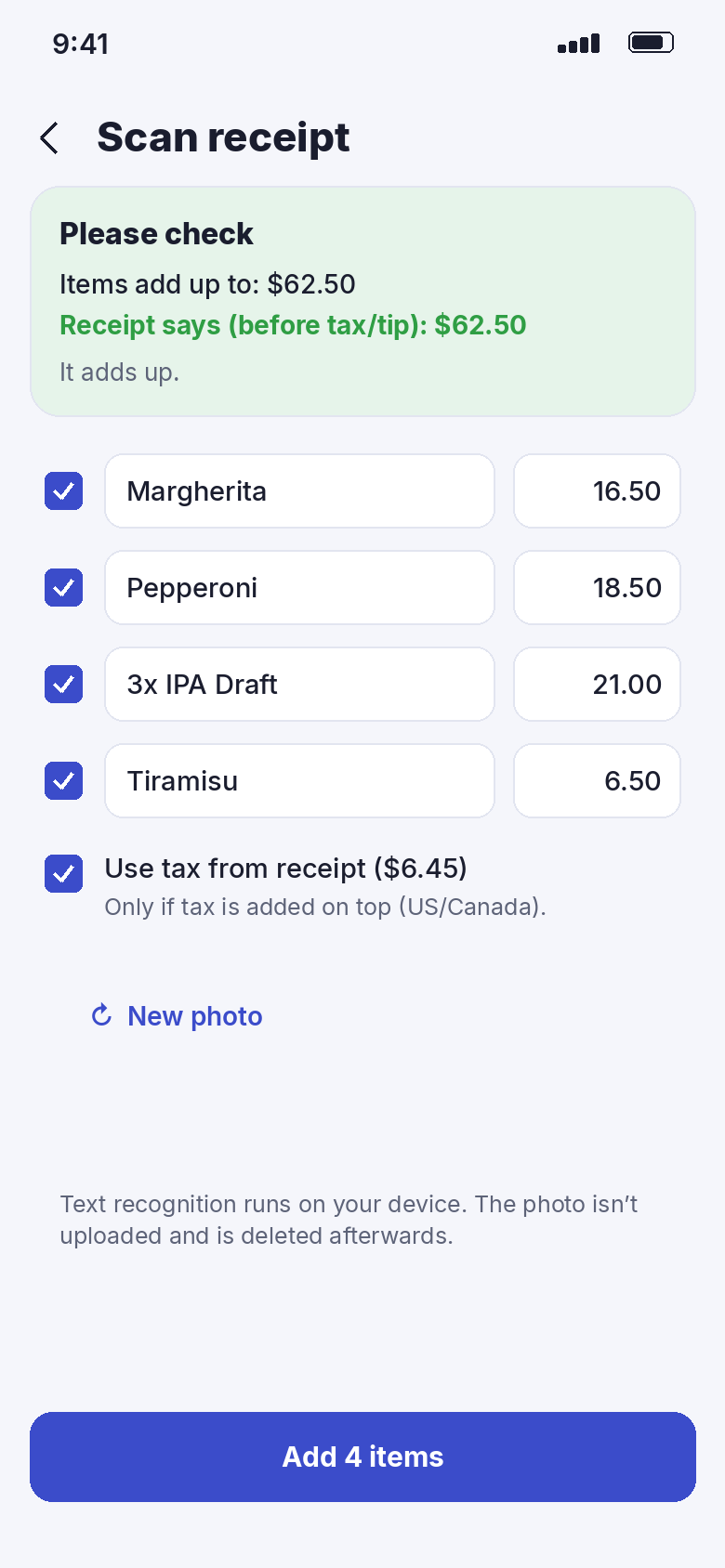
Take a picture of the receipt and Checksplit suggests the items, tax and tip. You check every line before it’s added.
Text recognition runs on your phone. The photo is not uploaded and is deleted right after reading.
The difference
No more napkin maths.
- Calculator passed around the tableEveryone’s share at a glance
- Tax and tip split evenly, even though orders weren’tTax and tip in proportion to each order
- Arguing about the last centExact to the cent, remainders shared fairly
- “How much tip is normal here?”Local tipping customs for 17 countries
- Typing amounts into the group chatResult as text or image in one tap
And the little things.
Round up
Round each share up to 10 cents, 50 cents or whole amounts. The extra is shown as tip.
Who paid?
Choose who paid the bill and see exactly who pays back how much.
Discounts
Coupons and happy-hour discounts are entered with a minus and only reduce the right person’s share.
Currencies · Pro
28 currencies, plus conversion to your home currency with a rate you enter yourself.
Groups · Pro
Save roommates, regulars or your travel crew and load every name with one tap.
On your phone
No account, no cloud. Bills, groups and history stay on your device.
Pro
Free to split. Pro to go faster.
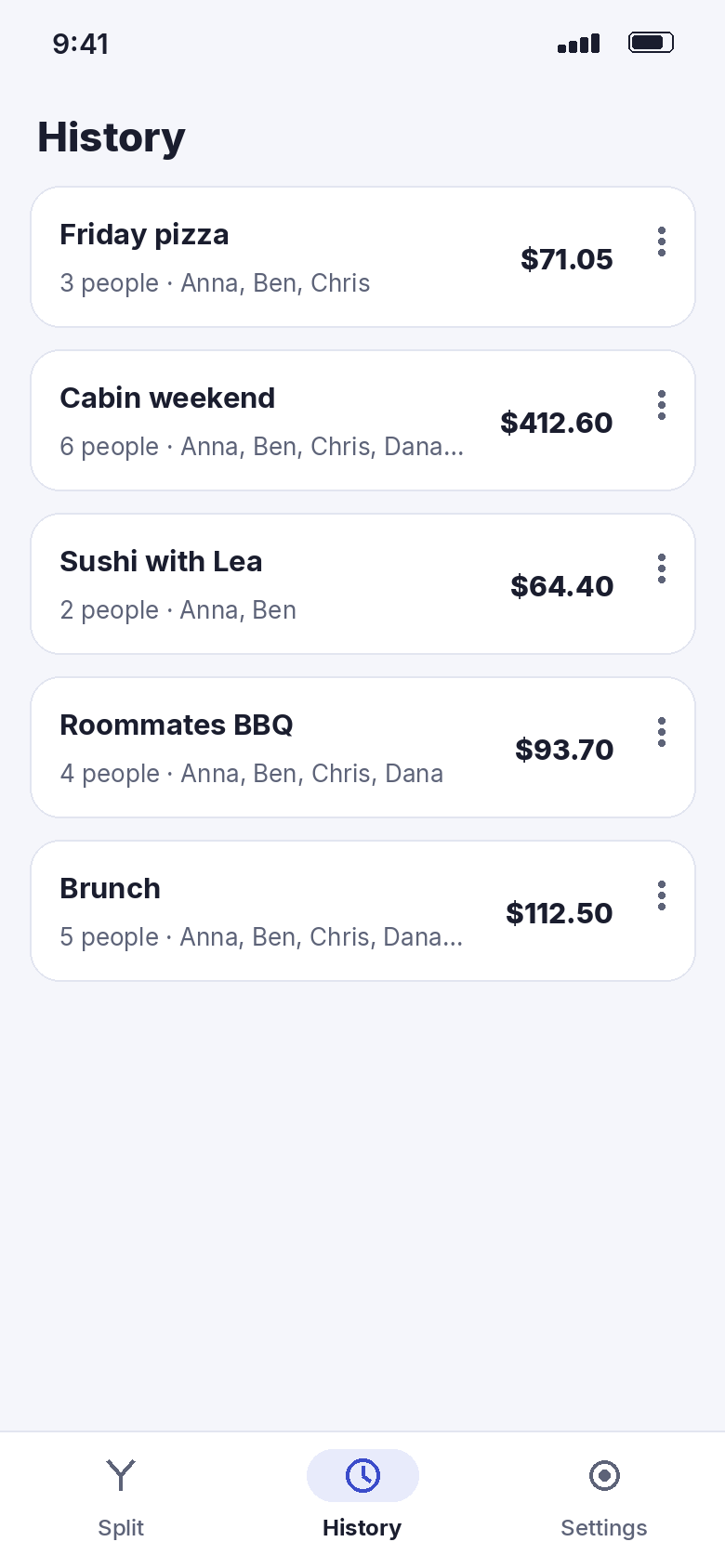
Pro adds receipt scanning, saved groups, a history of your bills, any currency with conversion – and removes the ads.
Pro is available as a yearly subscription or as a one-time purchase. The store shows the current price in your currency before you buy. Splitting, tax, tip, rounding and sharing work without Pro.
Quick questions.
Who is Checksplit for?
What does Checksplit cost?
How does Checksplit make money?
How are tax and tip split?
Are the tip suggestions binding?
What happens to my receipt photo?
Do I need an account or internet?
Which devices and languages?

Get Checksplit.
The next bill is already on its way.
Coming soon to Google Play.
Free · Android & iPhone · Pro without ads